
Shopify ROAS Calculator Checklist: 7 Operator Fixes to Stop Losing Ad Dollars on Leaky Product Pages
A high ROAS means nothing if your product pages leak buyers. Use this 7‑step operator checklist to find and fix the hidden conversion killers your ad dashboard ignores.
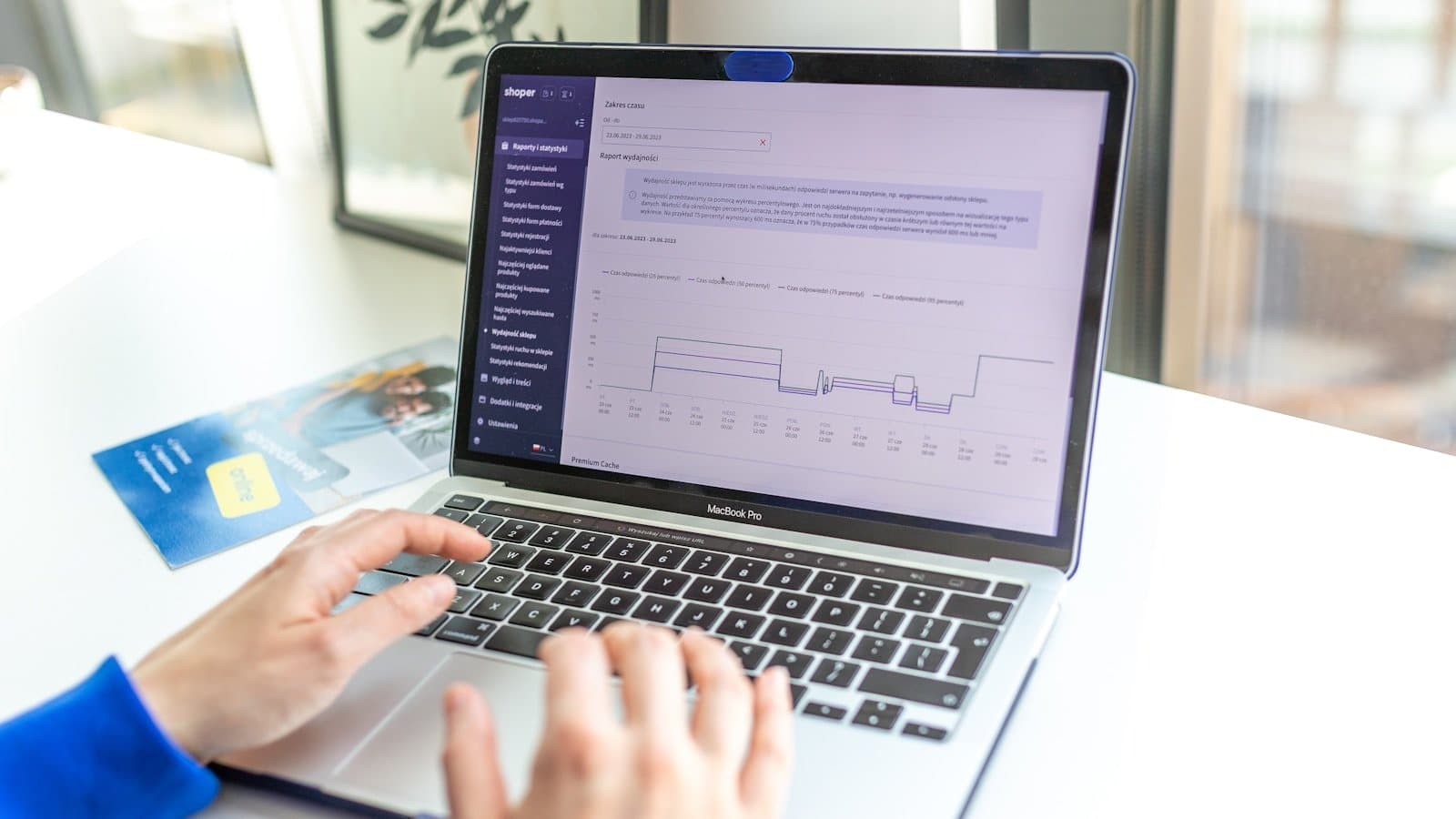
Most Shopify operators treat ROAS like a report card. If the number is above break‑even, they call it a win and pour more fuel into the same ad sets. Meanwhile, the same product page that earned a 4.2 ROAS last week is quietly bleeding buyers—images loading like 2007, zero trust signals above the fold, and a ‘Add to cart’ button that might as well be camouflage.
The real job of a Shopify ROAS calculator isn’t to tell you what you already know. It’s to hand you a map of where your ad dollars turn into wasted traffic. This checklist moves you from “the number is fine” to “I know exactly which 7 leaks I need to fix today.” Every step leans on a Nimora workflow—analytics to spot the issue, SEO tools to close visibility gaps, and an AI Studio to produce the product media that actually converts.
1. Start with clean ROAS math, not blended vanity numbers
Platform dashboards love blended ROAS. They mix brand campaigns, retargeting, and cold traffic into one metric that hides the real story. A Shopify ROAS calculator that factors in COGS, shipping, transaction fees, and returns gives a per‑campaign profit picture. Once you see that your “hero” retargeting set is actually underwater, you stop protecting it.
Use a tool that lets you toggle landed costs and exclude organic conversions. Spreadsheets break when your marketing mix changes. A dedicated Shopify-native ROAS calculator keeps every variable in sync with your actual Shopify data, so you’re not budgeting on guesswork.
- Pull last 30 days of ad spend, revenue, COGS, and shipping cost
- Calculate true profit per campaign, not platform ROAS
- Identify which campaign has a positive ROAS but negative contribution margin
Useful next step: Nimora ROAS Calculator.
For broader context, review Shopify Help guide on ad tracking.
2. Run a product page image speed scan before you spend another dollar
You can't have a ROAS conversation without talking about page speed. Baymard Institute data shows that even a 1‑second mobile delay can drop conversions by up to 7%. Most Shopify product pages are serving 3 MB hero images that look like desktop wallpaper—on a phone. Before blaming the ad creative, run a Shopify image speed scanner that audits every product image and flags the ones killing your Largest Contentful Paint.
The fix isn’t just compression. It’s right‑sizing images for mobile, serving modern formats, and making sure your theme isn’t loading 47 variants of the same JPEG. Do this once and your ROAS gets a permanent tailwind.
- Scan all product page images for mobile weight and LCP impact
- Replace heavy PNGs with next‑gen WebP or AVIF
- Resize images to the actual display dimensions, not 4000px wide
Useful next step: Nimora Image Speed Scanner.
For broader context, review Baymard Institute page speed studies.
3. Close the structured‑data gap that hides your rich results
Even a perfectly built product page can underperform in search if Google can't parse it. Missing JSON‑LD rich snippets mean no star ratings, no price, no stock status in the SERP. That translates to a lower click‑through rate, which means the same ad budget is buying traffic that never reaches the store.
Use a JSON‑LD generator designed for Shopify products. Validate against Google Search Central guidelines, then push the markup live. This isn't an SEO vanity move—it’s a direct line to higher organic ROAS on existing product pages.
- Check Google Search Console for rich result errors
- Generate valid product JSON-LD for all top‑selling items
- Monitor rich snippet appearance in SERPs weekly
Useful next step: Nimora JSON‑LD Rich Snippet Generator.
For broader context, review Google Search Central structured data guide.
4. Watch session replays until you find the one friction point killing your checkout
Your heatmaps might show plenty of engagement on the product page, but what about the three seconds before a user leaves? Session replays reveal the pattern: they click the size guide, can’t find their size, and bounce. Or they tap ‘Add to cart’ and get a modal that takes six seconds to load.
Nimora’s analytics workspace combines live visitor tracking, session replays, and conversion funnels so you can isolate the exact moment intent drops. Fix that single friction point and your ROAS jumps without touching a single ad campaign.
- Identify the top exit page for paid traffic
- Watch 10 replays of users who didn’t purchase
- Look for repeated errors, hesitation rage‑clicks, or broken UI elements
Useful next step: Nimora analytics workspace.
5. Patch trust leaks with a complete store policy suite
A shopper who doesn't trust your return policy or shipping window doesn’t convert—no matter how good the ad was. Yet many DTC stores launch with a default Shopify refund policy that reads like it was written by a bot. The fix takes ten minutes: generate clear, legally sound refund, privacy, shipping, and terms of service policies and place them prominently in the footer and checkout.
Use a store policy generator built for Shopify to create a trust layer that matches your brand voice. When every product page ends with clear returns and contact info, you’ve removed one of the biggest silent conversion killers.
- Create or refresh refund, privacy, shipping, and TOS pages
- Add shipping and return info above the fold on product pages
- Include an accessible contact link inside the checkout flow
Useful next step: Nimora Store Policy Generator.
For broader context, review Shopify Blog on trust badges and conversion.
6. Build airtight UTM links so you never misattribute a winning creative
Nothing ruins a ROAS calculation faster than messy UTM parameters. A misspelled campaign name or missing source sends conversion credit to ‘direct’ traffic, making your best ads look like a loss. Fix your tracking hygiene with a bulk UTM link builder that enforces a consistent naming convention across every channel.
Once your UTMs are clean, your ROAS calculator will finally reflect the true performance of each asset. You’ll stop scaling the wrong creatives and start funding the ones that actually work.
- Define a single UTM naming taxonomy for all campaigns
- Use a bulk builder to generate links for ads, emails, and affiliates
- Audit past campaigns for ‘(not set)’ or inconsistent sources
Useful next step: Nimora Bulk UTM Link Builder.
7. Refresh product media with AI‑generated photos and short‑form reels
Stale product galleries kill curiosity. A returning ad visitor who sees the same two flat‑lay shots will assume nothing changed and leave. Use an AI‑powered creative workflow to generate on‑model context images, color variants, and 15‑second product reels—directly inside your Shopify workspace.
This isn’t about replacing photographers. It’s about keeping your product pages fresh while you test new angles. Fresh media lifts session duration and return visits, both of which feed into higher quality scores and better ad performance.
- Generate AI product photos for top 10 products
- Produce 15–30 second reels highlighting use cases
- Swap in new hero images every two weeks for repeat traffic
Useful next step: Nimora growth workspace.
FAQs
What is a good ROAS for a Shopify store?
A profitable ROAS varies by margin, but many DTC operators target 2.5–4.0 after accounting for COGS, shipping, and fees. Avoid blending brand and retargeting campaigns—measure each segment individually to find true winners.
How often should I recalculate ROAS?
Review true ROAS weekly at the campaign level. Daily for high‑spend retargeting sets. A Shopify ROAS calculator that pulls live data saves hours and prevents stale decisions.
Does image alt text really affect ROAS?
Directly, no. But proper image alt text and structured data increase organic visibility and click‑through rates, which lowers your reliance on paid traffic and improves overall blended ROAS.
Can store policies impact conversion rates?
Absolutely. Transparent return and shipping policies reduce purchase anxiety. Baymard Institute research consistently shows unclear policies are a top reason for cart abandonment.
Turn this workflow into a repeatable growth system
Stop staring at a blended ROAS number and start fixing the leaks. Install Nimora free to get the ROAS calculator, image speed scanner, JSON‑LD generator, session replays, store policy builder, UTM tool, and AI creative studio—all inside one Shopify workspace.