
Shopify SEO Audit: An Operator’s Step-by-Step Guide to Diagnose and Fix Revenue Leaks
A practical Shopify SEO audit guide that ties rankings to revenue. Stop guessing and start fixing product pages, metadata, and technical gaps that cost sales.
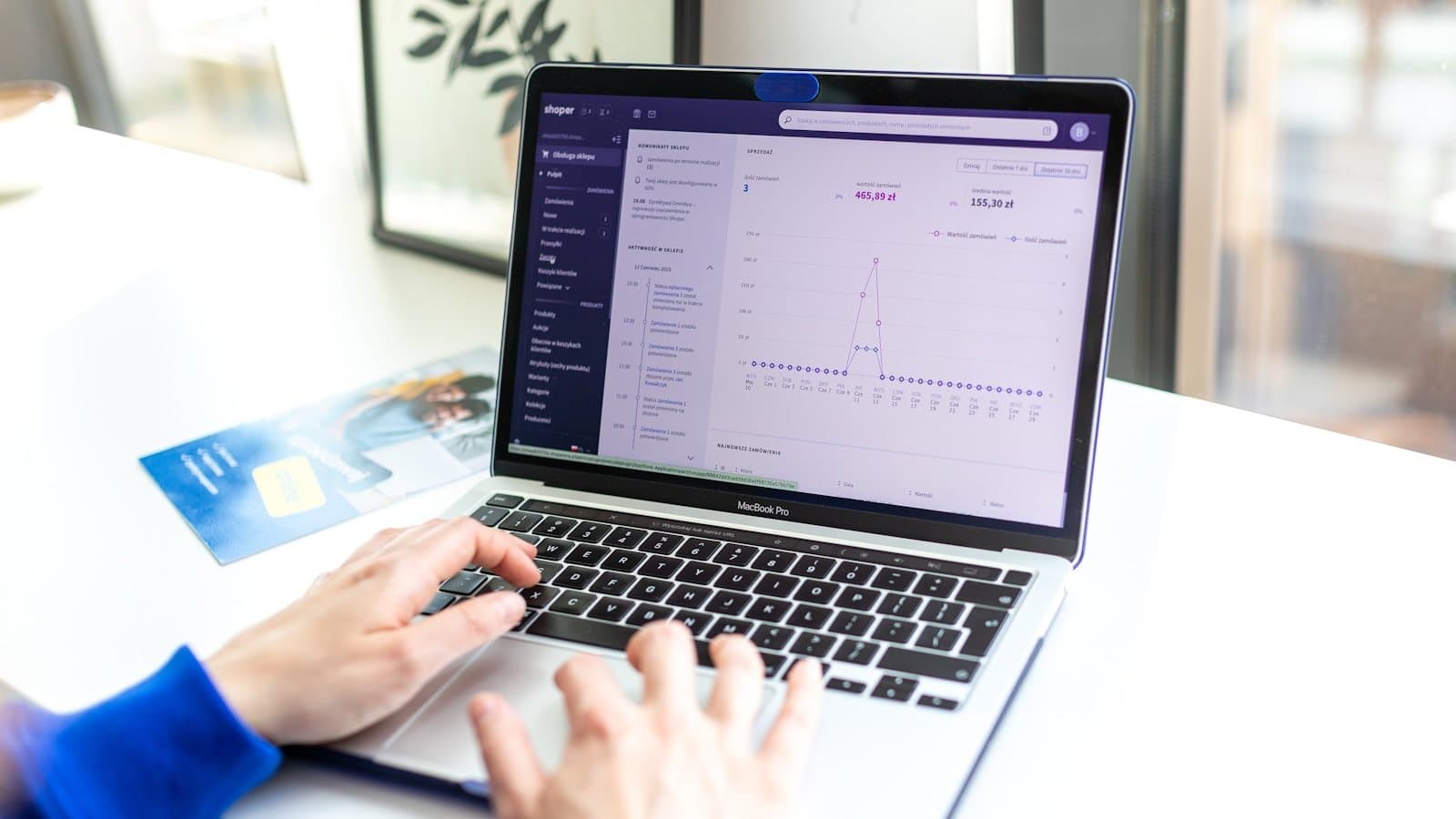
Most Shopify SEO audits start and end with a crawl report. A list of missing H1s, duplicate meta descriptions, and slow page speed scores. It looks productive, but it rarely moves revenue. You fix the low-hanging fruit, traffic nudges up a bit, and then you hit a plateau. That’s because the audit never linked technical gaps to where buyers actually stall, abandon carts, or bounce from a product page they should have bought from.
This guide reworks the audit into a revenue-first workflow. Instead of treating SEO as a separate checklist, we’ll diagnose visibility issues alongside real visitor behavior, then fix them inside one Shopify-native workspace. You’ll see how to spot the collections leaking organic traffic, where product page metadata is killing click-through rates, and why missing structured data and unoptimized product images are silent conversion killers. And you’ll do it without stitching together five tools.
Start where buyers stall, not where crawlers complain
A crawl report tells you a page is slow or a title tag is missing. A session replay shows you a visitor scrolling to the image gallery, hesitating, and leaving. That’s the difference between a technical audit and an operator’s audit. In Nimora, session replays, heatmaps, and conversion funnels live next to your SEO data, so you can correlate rankings with actual on-page behavior.
For example, you might see in Google Search Console that a collection page ranks well for a high-intent term but has a 95% exit rate. A heatmap reveals that the “Add to cart” button falls below the fold on mobile, and no one sees it. That’s not a crawl issue. That’s a revenue leak disguised as a ranking problem. Fixing the layout or adding a sticky CTA recovers sales that raw SEO effort alone never would. Nimora’s live visitors feed lets you watch these moments in real time and prioritize fixes that impact conversion, not just crawl health.
- Watch session replays of organic visitors landing on PDPs and collections
- Overlay heatmaps to spot unclicked CTAs and ignored key sections
- Use conversion funnels to identify drop-off points from landing to checkout
Useful next step: live visitors and heatmaps inside Nimora.
Diagnose technical SEO health without leaving Shopify
Once you know where buyers bail, you still need the technical foundation. Nimora’s built-in SEO audit scans your store for broken links, missing meta tags, redirect chains, canonical errors, and slow pages. It surfaces issues and ranks them by estimated traffic impact, so you don’t waste time on minor warnings while a broken PLP is bleeding organic sessions.
Two critical checks often skipped: sitemap integrity and structured data errors. A sitemap with stale URLs or wrong priorities confuses crawling. Broken JSON-LD on product pages removes rich result eligibility, directly lowering click-through rates. Nimora’s SEO tooling validates your sitemap against Shopify’s live URL set and flags rich snippet warnings. It also gives you a one-click way to generate and push updated structured data back to your store.
- Run a comprehensive SEO scan prioritized by traffic impact
- Audit and regenerate your XML sitemap with correct changefreq and priority
- Validate and update JSON-LD for product, collection, and article pages
Useful next step: Shopify SEO audit tools inside Nimora.
For broader context, review Google’s structured data guidelines.
Fix collection and product page metadata at scale
Manually editing hundreds of title tags and meta descriptions inside the Shopify admin is a slow, error-prone chore. Yet poorly written metadata is one of the easiest leaks to plug. When a collection page meta description truncates awkwardly or doesn’t include the primary term, organic click-through rate suffers, and you lose shoppers who would have converted.
Nimora’s bulk meta tag editor lets you filter, preview, and rewrite titles and descriptions across products, collections, and pages. You can pull in variables like product title, price, or vendor to generate templates that sound human, not robotic. Pair this with an image alt text workflow that scans for missing or vague alt attributes and suggests descriptive, keyword-rich alternatives. Alt text is not just an accessibility win; it improves image search visibility and, when done right, reinforces topic relevance for your product pages. Run a quick check with Nimora’s image speed scanner to also verify that those optimized images aren’t silently dragging down load times.
- Bulk edit Shopify meta titles and descriptions with variable templates
- Identify and fix missing or generic image alt text
- Scan product images for size and compression issues that hurt Core Web Vitals
Useful next step: ecommerce image speed scanner.
Strengthen on-page signals with AI Studio (without hiring a production team)
Product pages that convert rank better. Google’s product review updates and helpful content signals reward pages where shoppers engage. If your product photos are generic supplier shots or your page is all text with no video, you’re not just losing sales, you’re losing rankings to competitors who invested in media.
Nimora’s AI Studio generates product photos, short video reels, and blog content directly connected to your Shopify catalog. Take a single flat product image, swap the background to a lifestyle scene, and keep the variant consistent across all thumbnails. Generate a 15-second product reel that shows key features, which you can embed on the PDP and share across social channels. Then use the AI content workflow to draft collection descriptions, buying guides, or SEO landing pages without starting from scratch. Each asset lives inside the same workspace that tracks your analytics, so you can see whether the new product video lifts add-to-cart rate or if the updated collection copy improves time on page.
- Generate on-brand lifestyle product images from existing photos
- Create short product reels for PDP embedding and social sharing
- Draft and publish SEO blog content directly back to your Shopify store
Useful next step: Shopify AI product image and video generation.
Validate changes with ROAS and UTM tracking that makes sense
SEO changes need a feedback loop, but too many operators track the wrong things. An improved ranking doesn’t guarantee profit. What matters is whether the organic traffic you fixed now converts at a higher rate and shows up in your merchandising reports. Nimora’s ROAS calculator helps you tie SEO effort to actual return by factoring in margin, average order value, and conversion rate for organic segments.
To trace which changes worked, build clean UTM-tagged URLs for your organic campaigns, email blasts, or social promotions. Nimora’s bulk UTM builder lets you create consistent tags without typos or broken parameters, so you can isolate the performance of a new collection page description or a refreshed product image set in your analytics. Overlay that with session replays from those tagged visitors to confirm they aren’t hitting the same old friction points. When the data shows a lift, you scale the fix. When it doesn’t, you have the behavioral clues to iterate.
- Calculate true ROAS for organic segments, not just paid campaigns
- Build accurate, bulk UTM links to track SEO-driven revenue
- Cross-reference ROI data with session replays and conversion funnels
Useful next step: Shopify ROAS calculator.
FAQs
How often should I run a Shopify SEO audit?
Run a full technical scan after any site migration, theme change, or major catalog update. For ongoing stores, a monthly light scan (meta tags, sitemap, structured data) and a deeper quarterly audit that includes conversion analytics will catch most leaks before they cost you traffic.
Do I need separate tools for SEO, analytics, and content creation?
Not anymore. Nimora combines visitor analytics, SEO auditing, media generation, and content publishing in one Shopify-native workspace. That means you can watch a session replay, notice a bad image, generate a better one, update the alt text, and push it live without logging into five different tabs.
Will fixing meta descriptions and alt text really improve rankings?
Meta descriptions don’t directly influence rankings, but they heavily influence click-through rates, which can indirectly affect rankings over time. Alt text improves image search visibility and provides additional context to search engines. Both are table-stakes fixes that compound when combined with better on-page content and user signals.
Turn this workflow into a repeatable growth system
A Shopify SEO audit that only produces a spreadsheet won’t change your revenue. You need to see where organic visitors stall, fix the technical and content gaps that block them, and validate that the fixes actually convert. Nimora puts analytics, SEO tooling, and an AI Studio inside your Shopify admin. Install Nimora free and start your first revenue-first audit today.